Top 2 didn’t work to turn off the touch pad, but it’s good to remember the short keys
Windows Key+I > Devices > Touchpad > Toggle Touchpad to OFF
Take actions related to touchpad driver
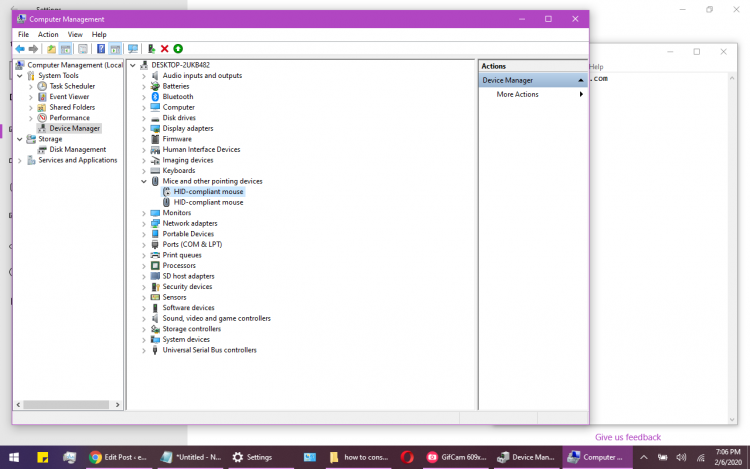
Windows Key+X (Or right click on Start) > Click Device Manager > View tab > Show hidden devices > Expand Human Interface devices > Right click on the touchpad listed there >
This worked: Below
Had to unplug the physical mouse to figure out which one it was, then plugged it back in and it worked.